 ArcadeWhale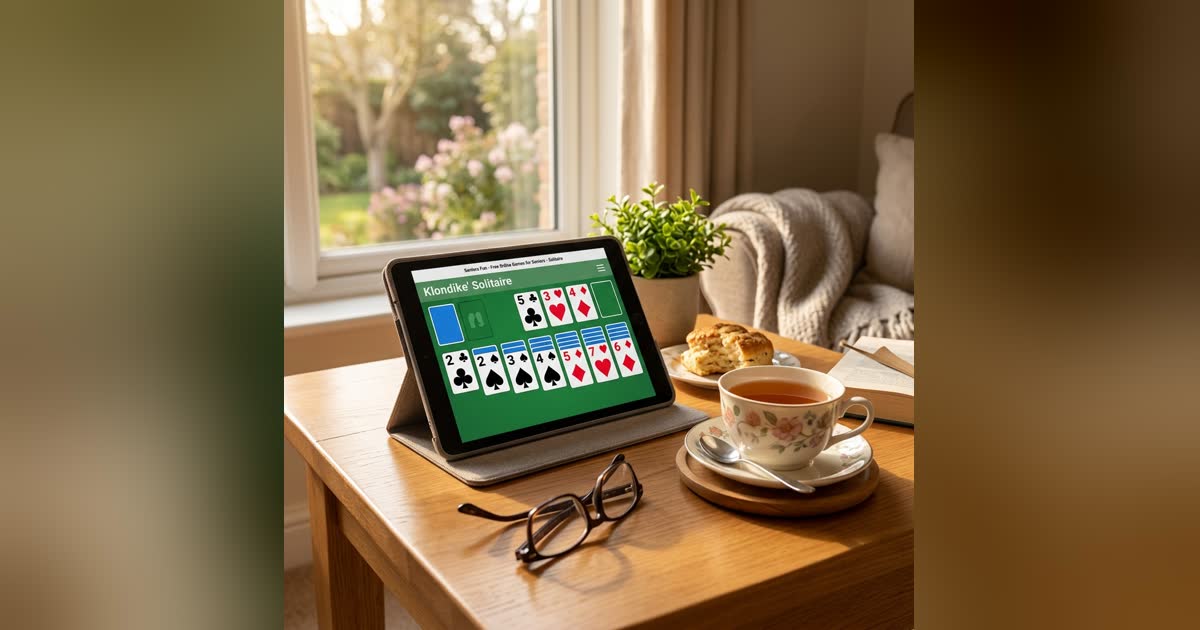
The games older players ask for are not obscure. They are the ones that came with the family computer: Solitaire, Minesweeper, Mahjong, Sudoku, Chess. What has changed is that finding them online now means dodging app stores, “create an account” screens and pages that shout at you. This is a list of ten that do none of that, followed by four practical tips — how to make the cards bigger, where the sound switch is — that make more difference than the choice of game.
Every game below is free, runs in an ordinary browser on a computer, tablet or phone, asks for no email address and installs nothing.
The classics
Klondike Solitaire
The Solitaire. Seven columns, build down in alternating colours, four suits up from Ace to King. Draw-one for a gentler game, draw-three for the harder one, undo when a move turns out wrong, and a daily deal that is the same for everyone. When the last hidden card has been turned over, a Finish button offers to play out the rest — a won deal no longer costs forty extra clicks. The complete rules and strategy are on the blog, including an honest answer to how many deals can actually be won.
Mahjong Solitaire
Match free tiles in pairs until the layout is cleared. Every board here is guaranteed to have a solution, though the wrong order can strand tiles — the Pairs counter shows how many matches are currently available, which is the one number worth watching. A hint key highlights a pair; a shuffle key is there when you are truly stuck. Fifteen calm minutes a board.
Sudoku
Fill every row, column and 3×3 box with 1 to 9. Three difficulties, every puzzle with exactly one solution, pencil notes for candidates, and a hint that only ever gives a cell it can justify — never a guess. Play with the keyboard (numbers and arrow keys) or by tapping. There is a daily puzzle with a streak for players who like a routine.
Minesweeper
The Windows classic with one improvement: every board is checked so it can be solved by reasoning alone. You are never left with a coin flip on the last two cells, which was always the most frustrating thing about the original. Easy is a 9×9 board and a good place to start; the patterns guide explains the four deductions that solve most boards.
Chess
A full chess game against four opponent levels. Level 1 makes the kind of mistakes a beginner makes and is there to be beaten; level 4 is a genuine challenge. Click a piece and its legal moves are shown — dots for quiet moves, rings for captures — so there is no need to remember how a knight moves. New to openings? Three principles and three openings covers what matters.
Reversi
Also known as Othello: place a disc to sandwich your opponent’s discs and flip them. Four opponents of increasing strength, each with a different style, a hint that shows a move without playing it, and undo. A game takes five to ten minutes, which makes it the best board game here for a short sitting.
Gentler puzzles
Word Connect
Swipe across a wheel of letters to spell words and fill a small crossword. A hundred levels, no timer, and every bonus word you find along the way earns coins for hints. Good for players who like crosswords but not the clues.
Duskrow
A new puzzle every day. One street, dark windows; pick a shape, tap a window, and the lights in that shape flip. Light every window in as few taps as you can. Twenty-four practice levels teach it one idea at a time, and the daily puzzle is a five-minute ritual with a streak.
Grid Detective
Classic logic-grid puzzles — the “the person in the red house does not own the cat” kind. Read the clues, fill the grid, place every attribute. Pure deduction, no guessing, no clock, and a hint when a step will not come.
Mini Putt
The one game here that is not a puzzle. Twenty-seven holes of mini golf: drag back from the ball to aim and set the power, let go to putt. Slopes and sand arrive first, then ice, wind and portals. Relaxing, forgiving, and a good one to play with a grandchild on the same screen.
Four tips that matter more than the game
1. Make it bigger. Hold Ctrl (Cmd on a Mac) and press + a few times. The whole page zooms — cards, tiles, buttons — and the browser remembers the setting for this site. Press Ctrl and 0 to go back. On a tablet, turn the device sideways: every game here fits a landscape screen.
2. Use full screen. Each game has a full-screen button in its menu that removes the browser bars and everything else. Escape brings them back.
3. Turn the sound off — or on. The sound switch is in each game’s menu and remembers your choice. Some players like the card sounds; some do not.
4. Use the hints and undo without guilt. Sudoku, Mahjong, Word Connect and Reversi all have a hint; Solitaire, Sudoku and Reversi all have undo. They are there to keep the game pleasant, not to be earned.
About “brain games”
The claims made for brain-training apps are mostly stronger than the evidence. What the research does support is simpler and better news: staying mentally active with things you enjoy — puzzles, cards, chess, a daily crossword — is associated with better cognitive health, and the “enjoy” part is what keeps it up. Pick the game you will come back to tomorrow. That is the right one.
All ten are on the Timeless shelf, with the rest of the classics.


