 ArcadeWhale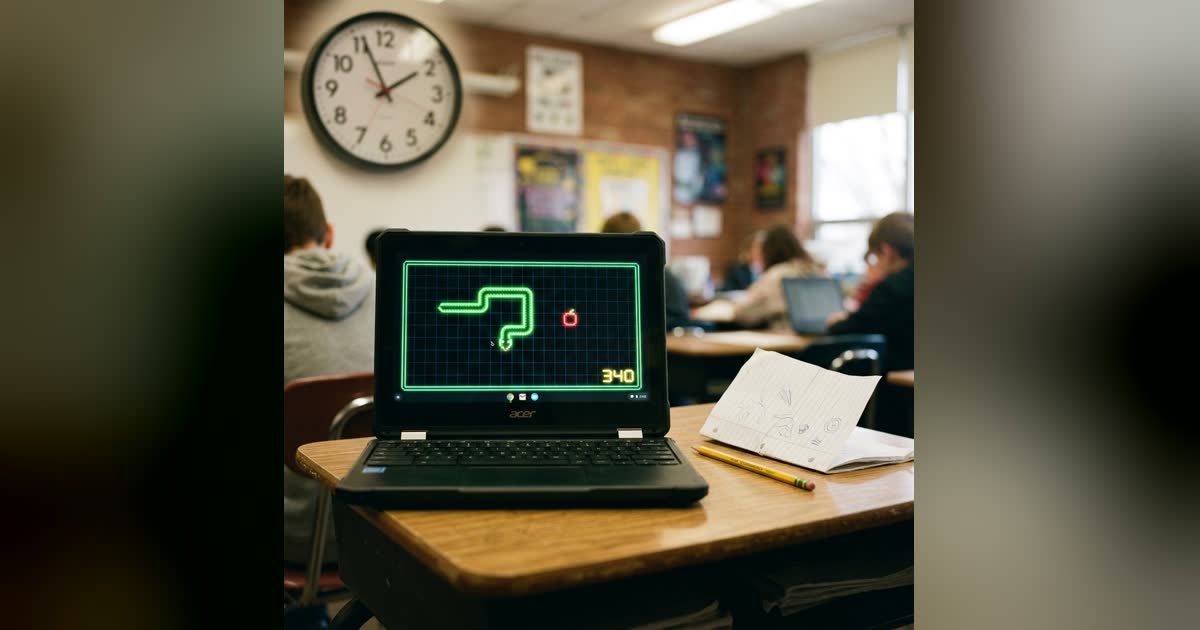
A Chromebook is a strange games machine. It cannot install anything, half the ports are blocked, the speakers are loud and the trackpad is small — and yet it runs a browser, and a browser is enough. Every game below is a plain web page: nothing to install, no account, and it closes with Ctrl+W when the lesson picks back up.
A word on what “in class” means here. These are for the ten minutes after the test, the free period, the study hall where the work is already done. A game that makes you fail a class is not a good game.
What makes a game Chromebook-friendly
Three things, and it is worth knowing them so you can judge any game, not just these.
- Keyboard or single click. Trackpads are bad at holding and dragging and terrible at right-click. Games that run on arrow keys, the space bar or a tap are the ones that feel right.
- Silent by default, or a mute that sticks. Every game here has a sound switch in its menu that remembers being turned off. Turn it off once.
- Light. A few hundred kilobytes over a school network is nothing; a one-gigabyte download is a lesson wasted. All of these load in a second or two.
The list
1. Neon Snake — arrow keys, nothing else
The game every phone once had, in a neon arena. Your first key press starts the run; arrow keys turn; P pauses. Eat the pink pellets to grow, grab the gold ones for points. A run is thirty seconds to a few minutes and needs one hand.
2. 2048 — the quiet one
Slide the tiles with the arrow keys, merge equal numbers, aim for 2048. It makes no sound unless you enable it and a game ends in two or three minutes. The corner strategy turns a beginner into someone who reaches 2048 most games.
3. Leap — a precise platformer, one screen at a time
Thirty-four single-screen rooms, eight worlds, each built around one idea — wall jumps, ice, and a jump you can actually trust. A/D to run, one key to jump. Rooms are short, so a free period is four or five worlds.
4. Swingline — one button
Hold any key to grab a line, let go to fly, over a sunny 3D city. The line winds in while you hold, so you speed up until you release. One button is the whole control scheme, which makes it the most trackpad-proof game we have. There is a daily course, the same for everyone.
5. Tiltway — tilt the ramp, not the ball
An endless marble run where A and D tilt the whole wooden ramp and the space bar hops. The rocks slide off before your marble does, if you tilt early enough. Keyboard only, quick rounds, and a high score to chase.
6. Sudoku — looks like homework
A number grid is the most inconspicuous thing on a screen. Three difficulties, pencil notes, and every puzzle has exactly one solution. Type numbers with the keyboard, move with the arrows.
7. Minesweeper — no guessing, but you need a right-click
Every board is generated so it can be solved by logic alone. The catch on a Chromebook: flagging is a right-click, which on a trackpad is a two-finger tap or Alt+click. Once you have that, it is the best logic game on the list. The patterns guide has the four deductions that solve most boards.
8. Block Bloom — drag pieces to reveal a picture
Polyomino pieces in a tray, a board to tile exactly, a hidden picture that appears when you do. Drag and drop, no timer, a green preview shows when a piece fits. Slow and satisfying.
9. Mini Putt — 27 holes
Drag back from the ball to putt; arrow keys and space work too. Slopes, sand, ice, portals and wind arrive as the course goes on, and later holes unlock side spin and a lob wedge. Nine holes is a comfortable break.
10. Duskrow — today’s puzzle
A new logic puzzle every day, the same for everyone, plus 24 lessons that teach the mechanic. Pick a shape, tap a window, light the street with as few taps as possible. Five minutes, and a streak that counts the days.
11. Word Connect — spelling with a wheel
Swipe letters to spell words into a small crossword; a hundred levels, no clock. Arguably the one game on this list a teacher would not mind.
12. Highrise — one tap, stack the tower
Floors slide across; tap to drop one; land it centred to keep the width. Miss and the tower narrows. Space bar or click, ten seconds to learn, a high score that takes a term to beat.
Two games from outside
Google’s Snake — type play snake into the search box — and Chrome’s dinosaur at chrome://dino, which works even when the Wi-Fi does not. Neither needs a site, and neither makes a sound.
If it is blocked
Some school networks filter game sites, and there is no honest trick around a filter that your school has chosen to run. What is worth knowing: a page that has already loaded keeps running after the network drops, and Chrome’s dinosaur is built into the browser itself.
All twelve, plus the rest that play well on a laptop with a trackpad, are on the Chromebook Games shelf.


